第十二章:Nord Sound Manager / Chapter 12: Nord Sound Manager
關於 Nord Sound Manager / ABOUT NORD SOUND MANAGER
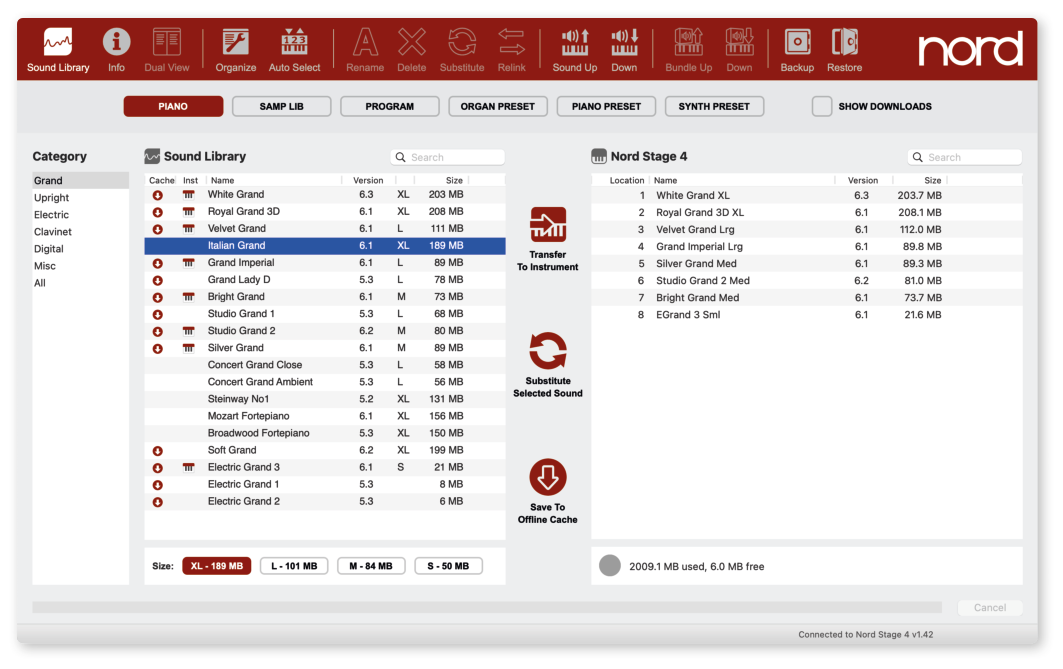
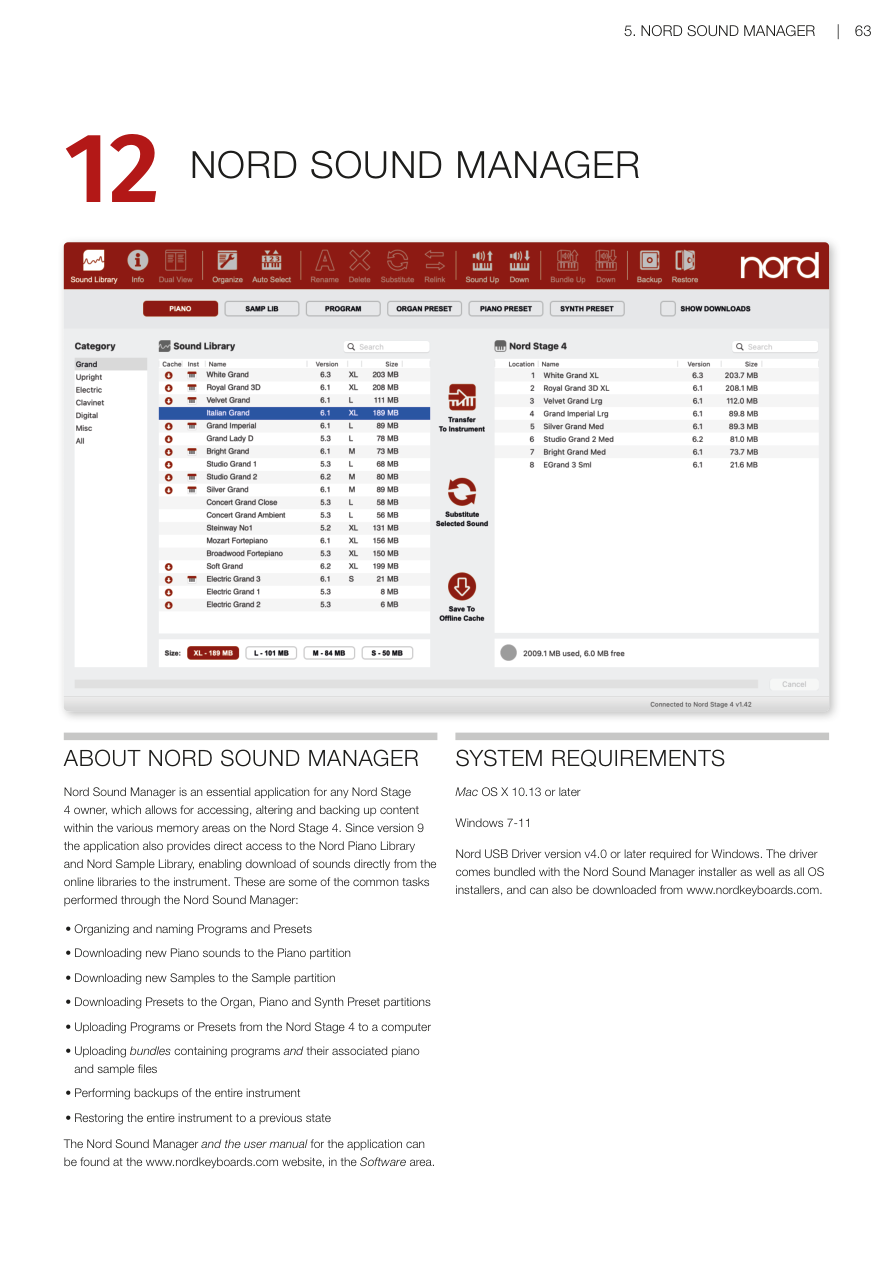
Nord Sound Manager 是每位 Nord Stage 4 用戶的必備應用程式,讓你可以存取、修改和備份 Nord Stage 4 各個記憶體區域中的內容。從版本 9 起,這個應用程式還直接提供 Nord Piano Library(鋼琴音色庫)和 Nord Sample Library(樣本音色庫)的存取功能,讓你可以直接從線上音色庫下載音色到樂器。
Nord Sound Manager is an essential application for any Nord Stage 4 owner, which allows for accessing, altering and backing up content within the various memory areas on the Nord Stage 4. Since version 9 the application also provides direct access to the Nord Piano Library and Nord Sample Library, enabling download of sounds directly from the online libraries to the instrument.
以下是透過 Nord Sound Manager 執行的一些常見任務:
These are some of the common tasks performed through the Nord Sound Manager:
- 整理和命名程式及預設音色 / Organizing and naming Programs and Presets
- 下載新鋼琴音色到鋼琴分區 / Downloading new Piano sounds to the Piano partition
- 下載新樣本到樣本分區 / Downloading new Samples to the Sample partition
- 下載預設音色到風琴、鋼琴和合成器預設音色分區 / Downloading Presets to the Organ, Piano and Synth Preset partitions
- 將程式或預設音色從 Nord Stage 4 上傳到電腦 / Uploading Programs or Presets from the Nord Stage 4 to a computer
- 上傳包含程式及其關聯鋼琴和樣本檔案的組合包 / Uploading bundles containing programs and their associated piano and sample files
- 備份整台樂器 / Performing backups of the entire instrument
- 將整台樂器恢復到之前的狀態 / Restoring the entire instrument to a previous state
Nord Sound Manager 及其使用手冊可在 www.nordkeyboards.com 網站的軟體區找到。
The Nord Sound Manager and the user manual for the application can be found at the www.nordkeyboards.com website, in the Software area.
系統需求 / SYSTEM REQUIREMENTS
- Mac:OS X 10.13 或更新版本
- Windows:Windows 7–11
💡 Windows 用戶需要 Nord USB Driver 版本 v4.0 或更新版本。驅動程式已隨 Nord Sound Manager 安裝程式及所有 OS 安裝程式一起提供,也可從 www.nordkeyboards.com 單獨下載。